Everyday AI. Governance. Operations.
A narrated walkthrough with English captions.
Catalog your AI agents and give teams one approved place to work. Apply access, data protection, audit, and cost controls to conversations in Pristan.
Your own workspace for 7 days. Work email verification required.
See how teams work with approved AI, and how platform owners keep access, data, and cost in view.
Everyday AI. Governance. Operations.
A narrated walkthrough with English captions.
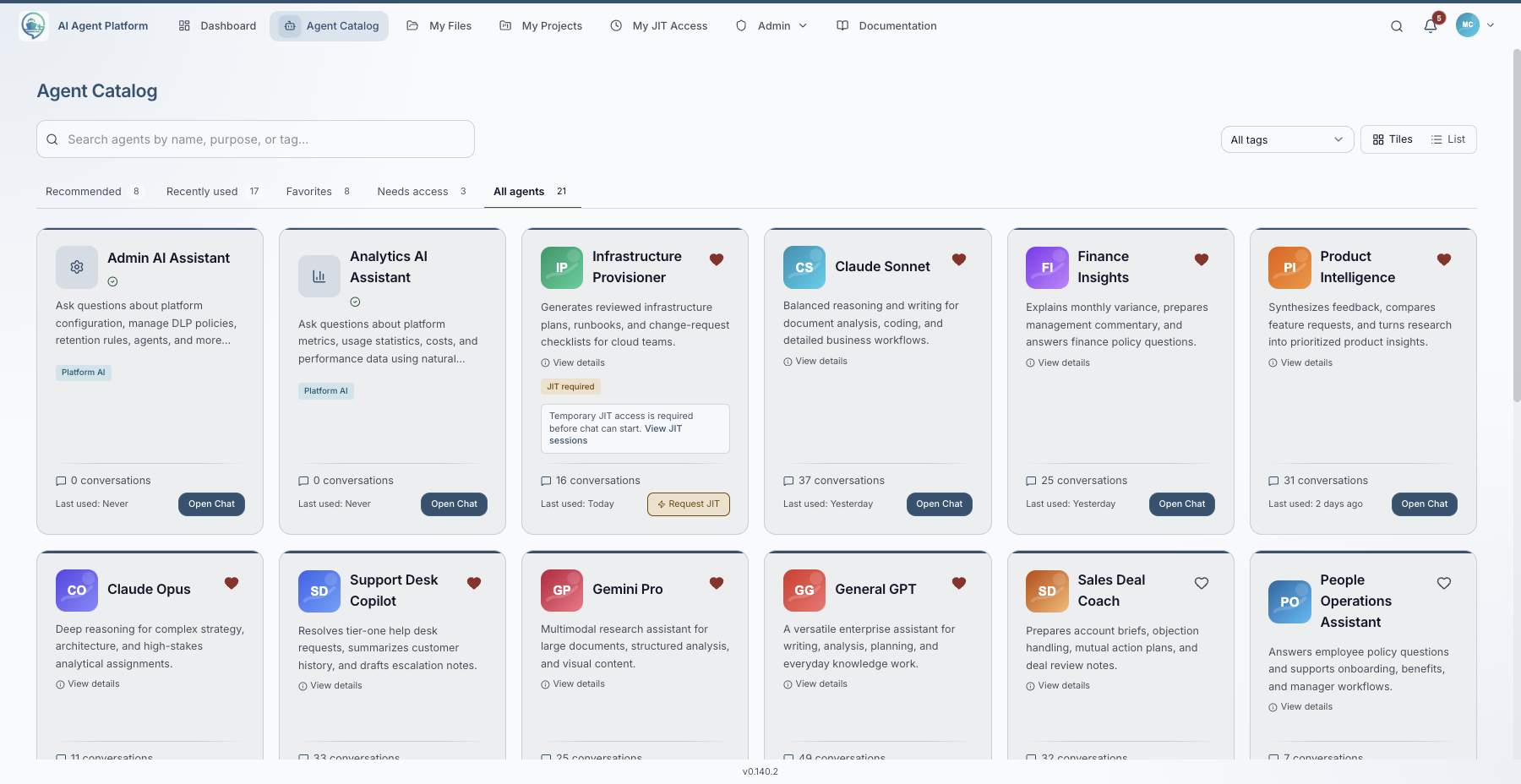
Give employees a clear place to find the agents available to them. Descriptions and tags help them choose the right tool for the task.
Explore the agent catalogBring files and shared context into the conversation. Configured access and data-protection rules apply when teams work through Pristan chat.
Explore the chat workspace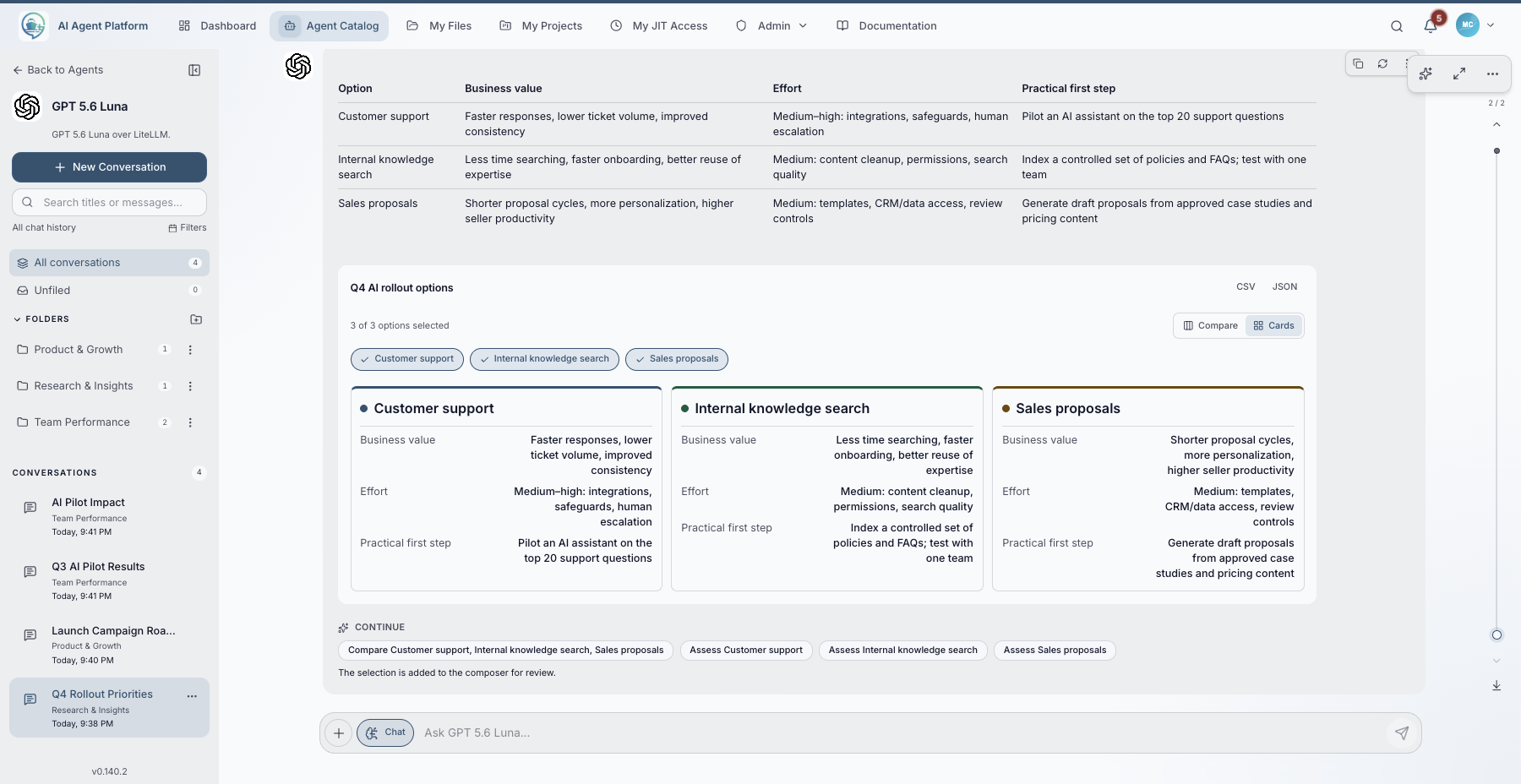
Start with a data loss prevention (DLP) template, then configure which content to detect and whether to warn, redact, or block.
Try it in your demoTest a configured policy with synthetic data in Pristan chat, then review the corresponding DLP event.
Explore data protection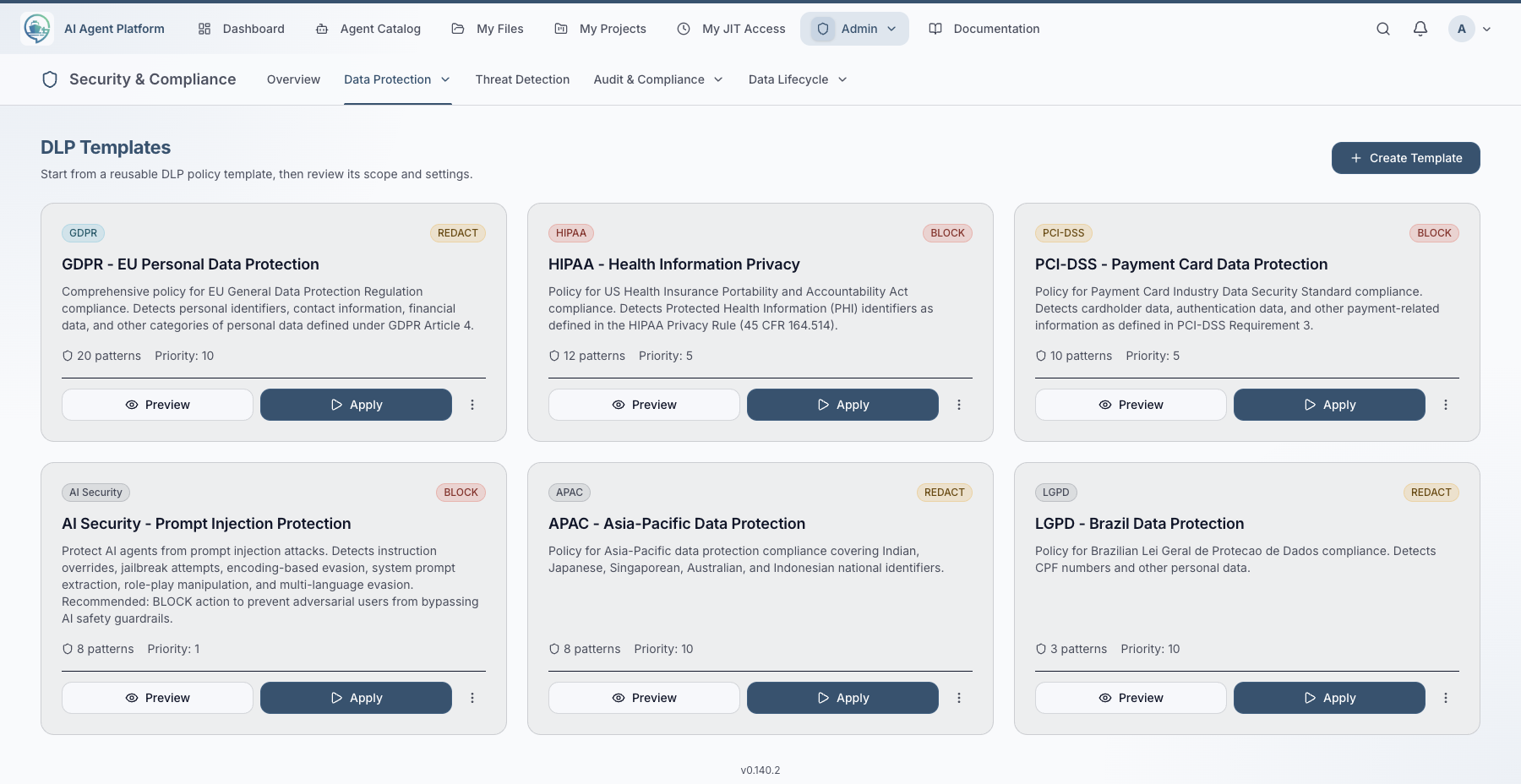
Connect the files and knowledge bases your agents need. Keep the business context alongside the tools your teams use.
Explore connected context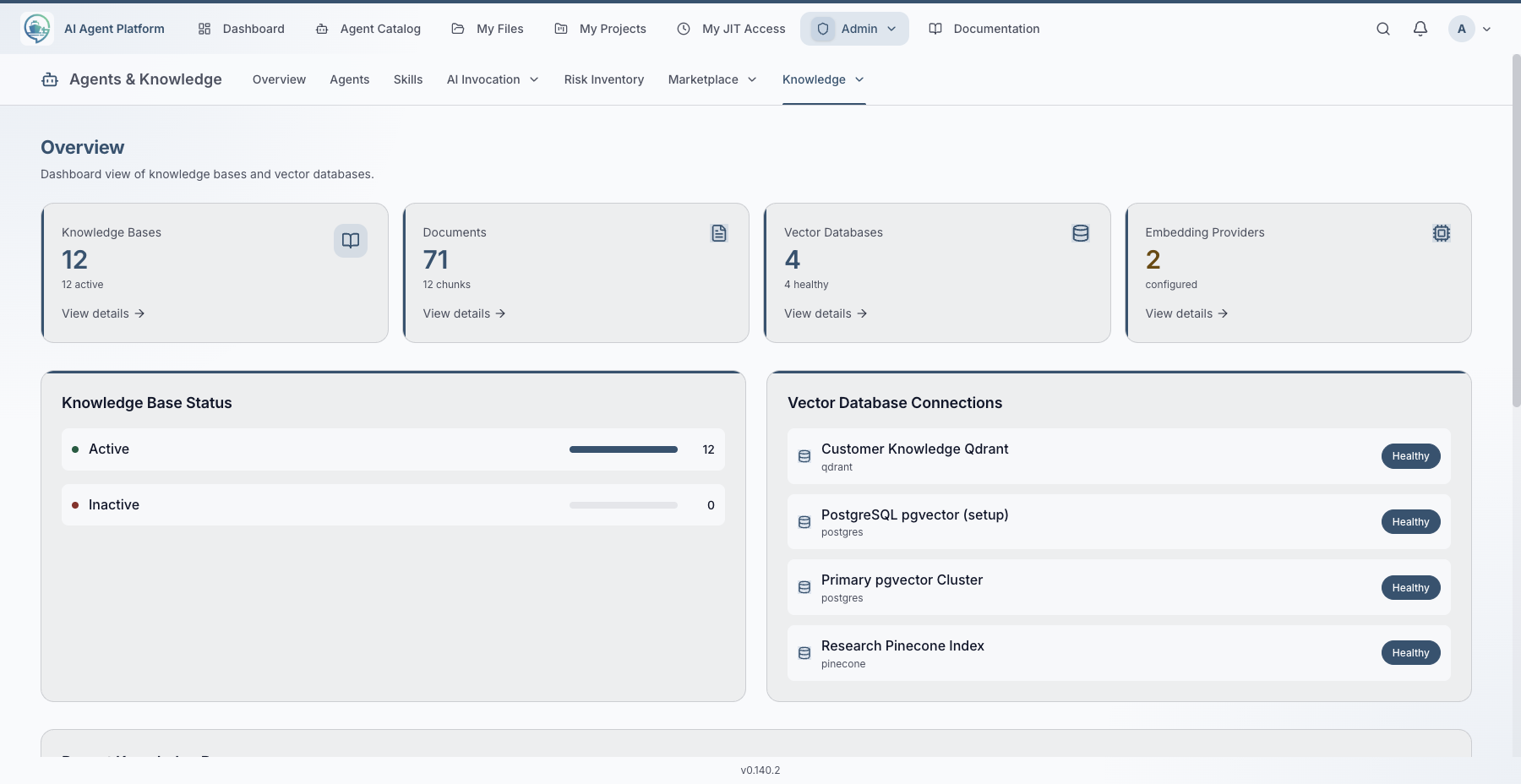
Review usage, cost, latency, and health in the dashboard. Follow security events into their dedicated review paths when you need to investigate.
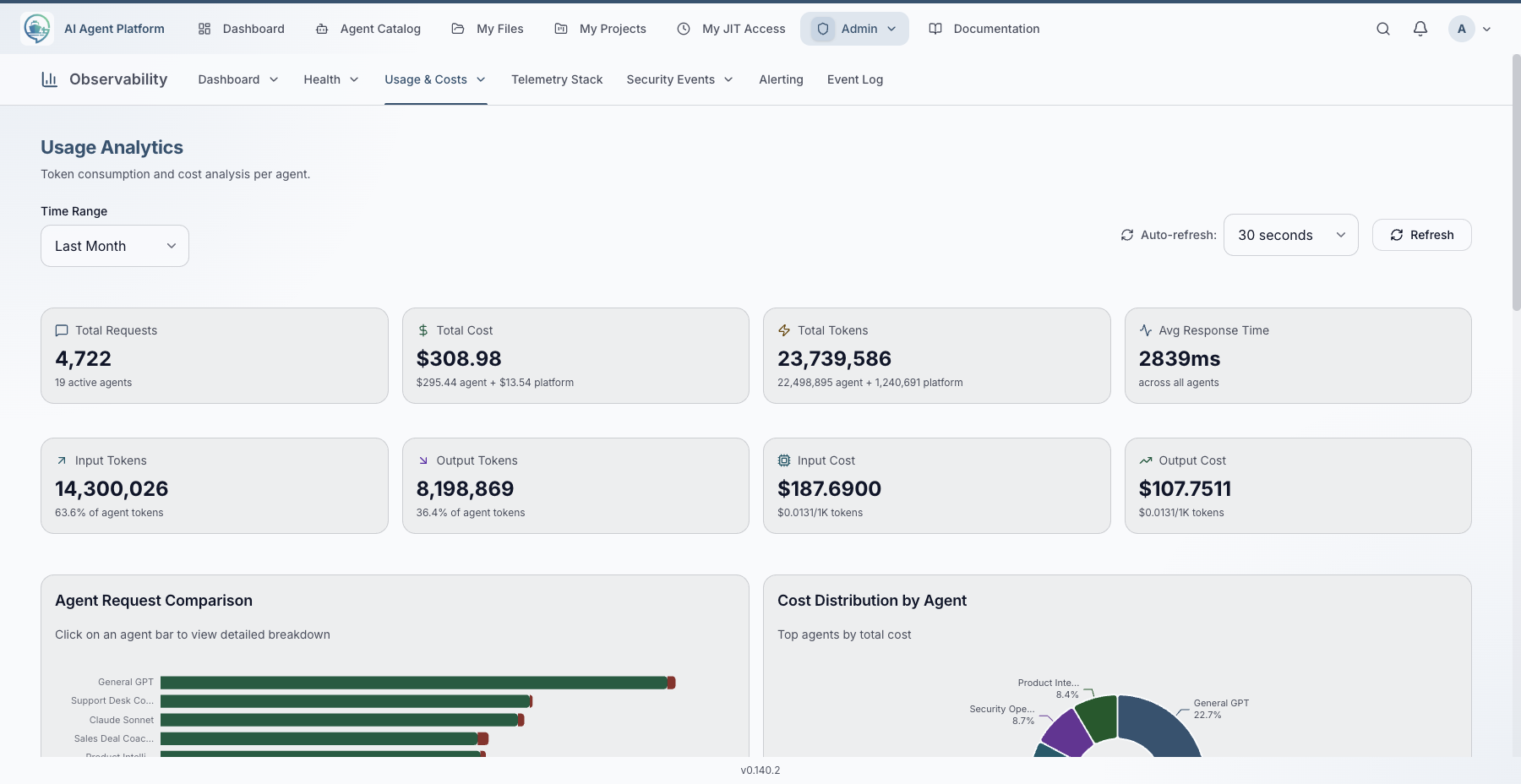
Controls apply to interactions handled through Pristan. External agents retain control of their independent runtime.
A practical first evaluation: give an HR team an approved policy assistant, then check the safeguards with synthetic data.
Make the agent available to your test group and check who can use it.
Configure a sensitive-data rule and verify its expected action in Pristan chat.
Inspect the corresponding DLP event, then review the team's usage and cost.

Explore a private workspace for 7 days after verifying your work email. Prefer a walkthrough? Book time with us to review your use case and deployment needs.